
The Currency Settings section allows you to define and manage the default and supported currencies used throughout your OTT platform, especially for subscriptions, Pay-Per-View (PPV), and other monetized content.
This configuration ensures that your platform’s pricing, billing, and financial transactions are accurately displayed and processed based on your target market or audience.
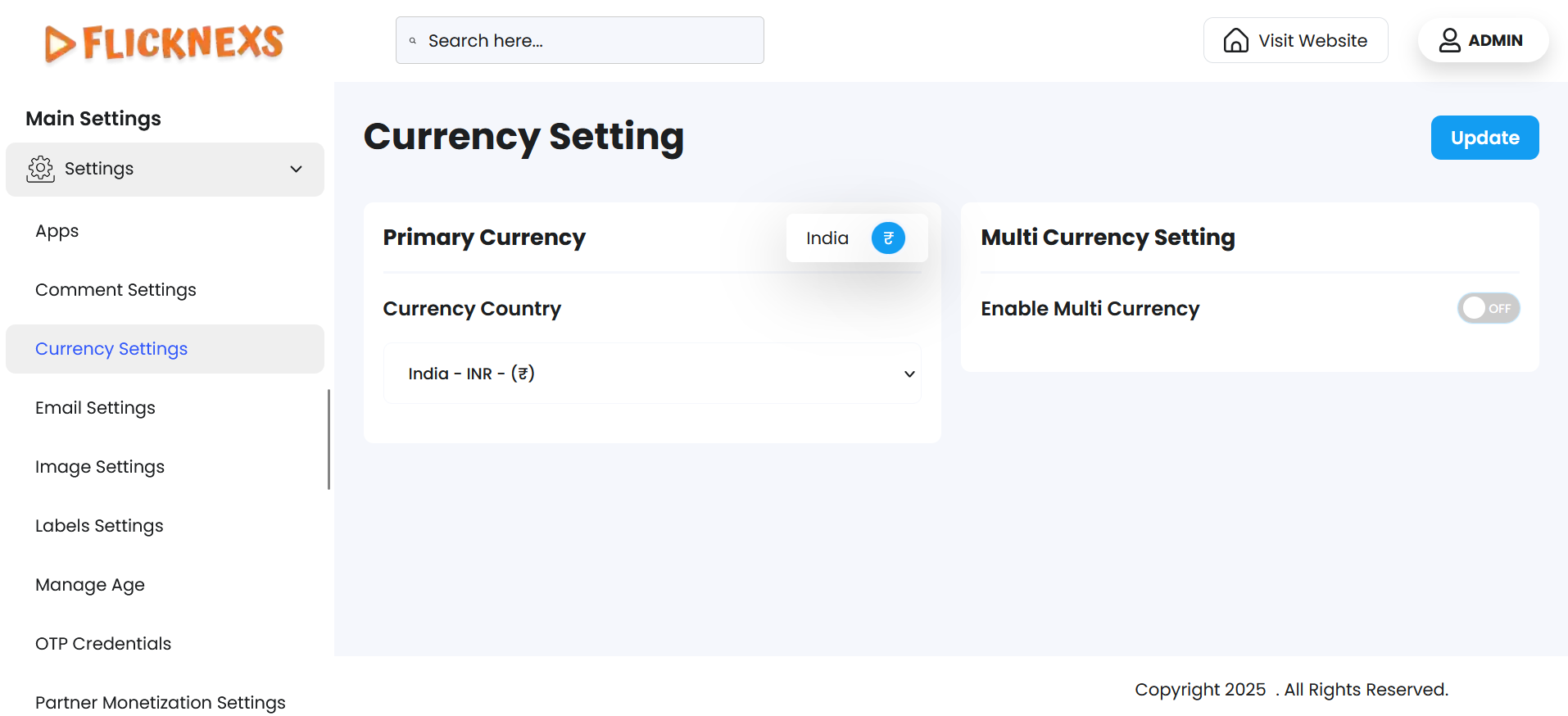
Primary Currency
The Primary Currency serves as the default currency used across your platform for all pricing-related displays, transactions, and billing operations unless overridden by a multi-currency setting.
Currency Country Selection:
- You can select a currency based on the country it represents from a predefined list.
- Each entry is mapped to standard currency codes (e.g., INR for India, USD for United States, EUR for Europe, etc.).
- This setting ensures consistency in product pricing, especially for subscription plans, pay-per-view content, and in-app purchases.
Multi-Currency Settings
The Multi-Currency feature gives your platform the ability to dynamically adapt to a user’s local currency, improving their comfort and trust during purchasing.
Enable Multi-Currency
- When enabled, the system will:
- Detect the user’s location via their IP address
- Automatically convert prices to the relevant local currency using real-time or periodically updated exchange rates
- Display prices across the site/app in the user’s regional currency
- When disabled, the platform will use only the Primary Currency for all users, regardless of their location.
Benefits of Enabling Multi-Currency
- Enhances user experience by showing familiar currency values
- Encourages higher conversion rates and user trust
- Reduces confusion and support requests about pricing
- Ideal for global platforms targeting audiences from multiple countries.
These settings provide a comprehensive way to manage currencies, ensuring flexibility and convenience for both administrators and end users.