
Setting up sign-up fields for users allows you to collect essential data during registration and provide a personalized, secure, and smooth onboarding experience. This process can be configured via your platform’s admin panel.
Signup Menu
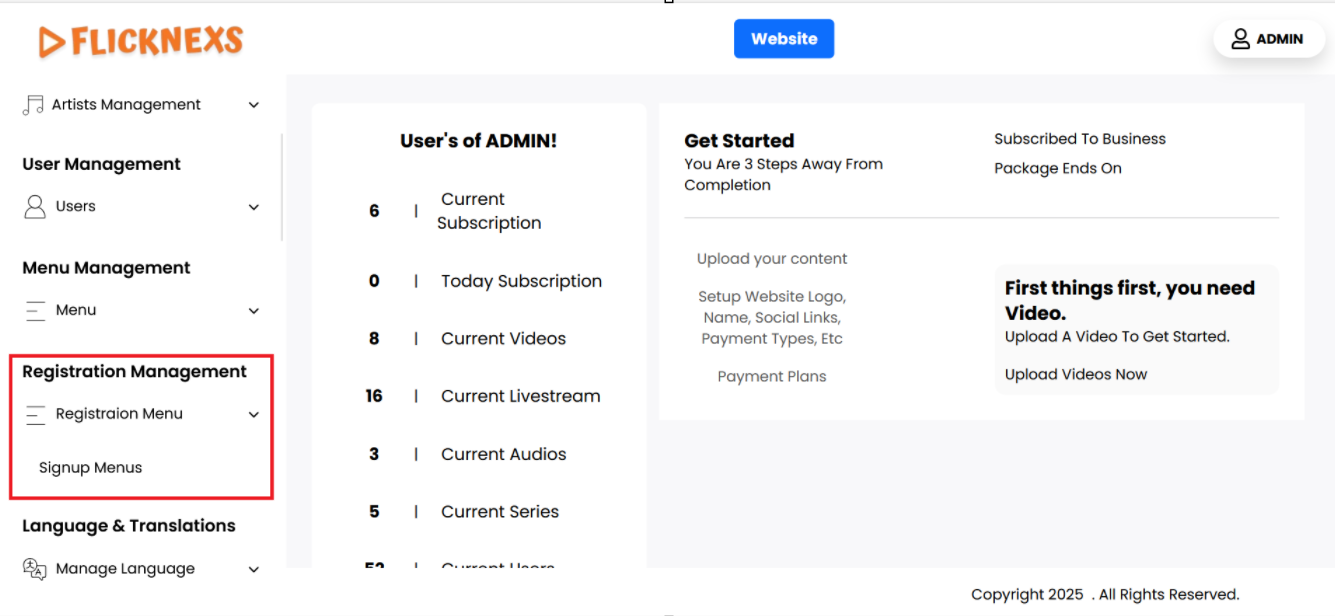
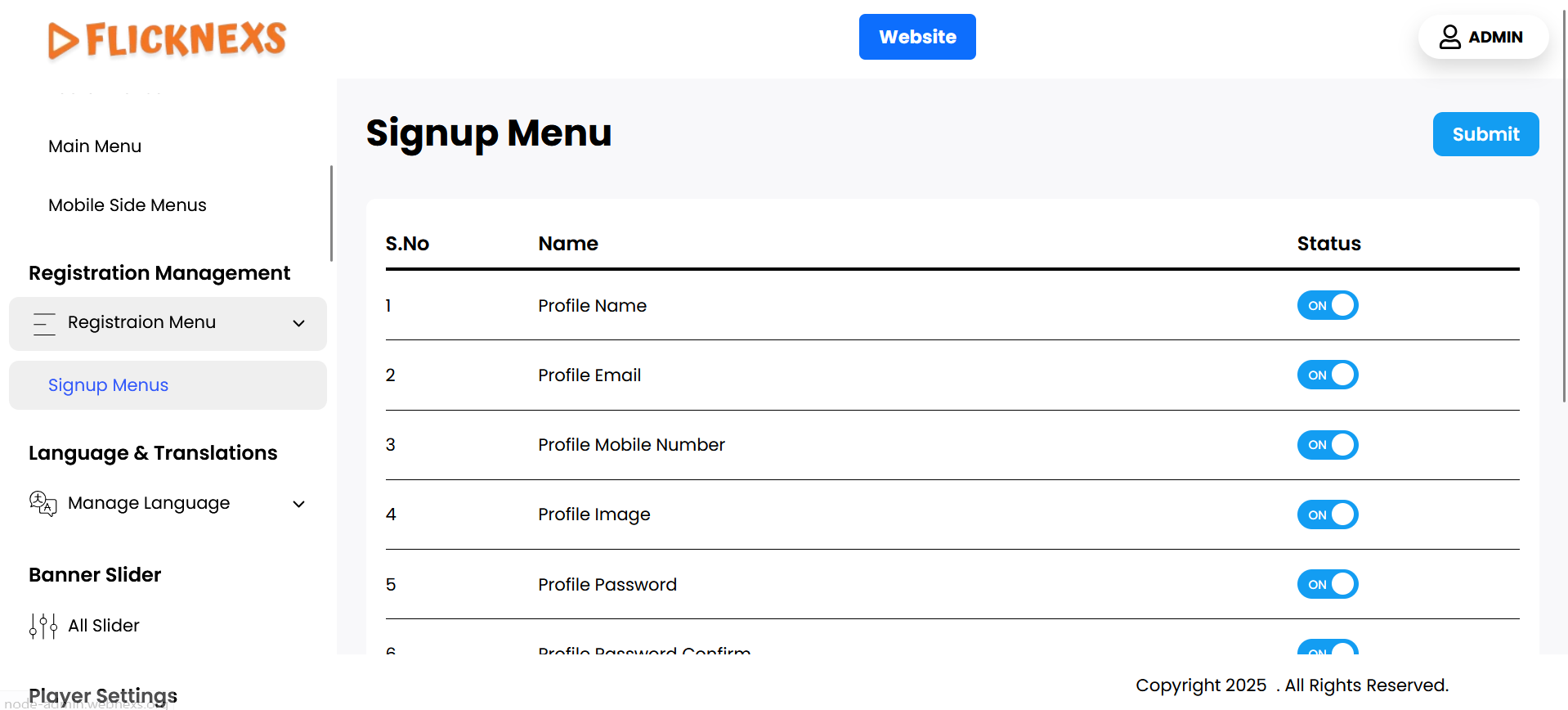
You can view a comprehensive list of menus displayed in this section, which includes the following key attributes:
- Name: This column lists the titles of each menu item, making it easy for you to identify them and understand their purpose in the context of the signup page.
- Status: This column indicates whether each menu is currently enabled or disabled for display on the signup page:
- Enable: If you want a particular menu item to be visible on the signup page, you can enable it. This allows users to see the menu and access its associated content or functionalities during the signup process.
- Disable: If you do not want the menu to appear on the signup page, you can disable it. This helps keep the signup page uncluttered and focused on essential items, enhancing the user experience.
- Submit: After making changes to the status of the menus, it is important to click the “Submit” button. This action will save your changes, ensuring that the menus reflect the new visibility settings on the signup page.
By managing these menus effectively, you can customize the signup experience for users, ensuring that only the most relevant options are available during the registration process. This contributes to a smoother and more user-friendly signup experience.