Signup
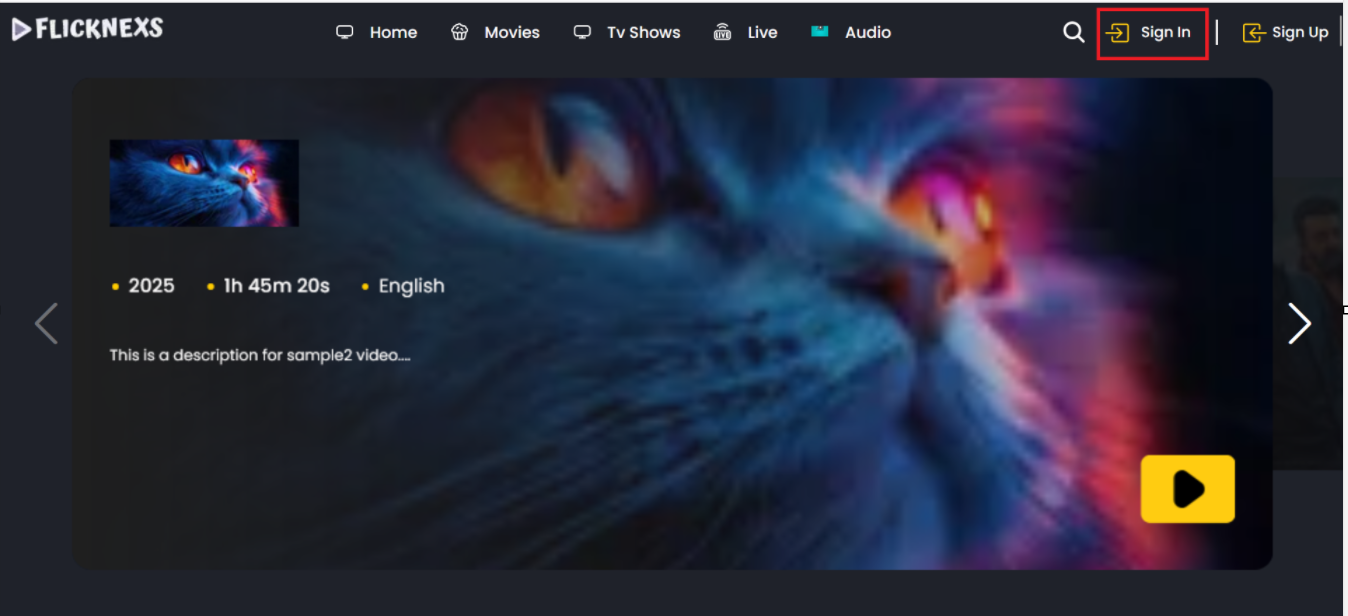
- To sign up for the platform, use the “Sign Up” option at the top of the page, as shown in the image below.

- After selecting the sign-up option, you will be redirected to the sign-up page.
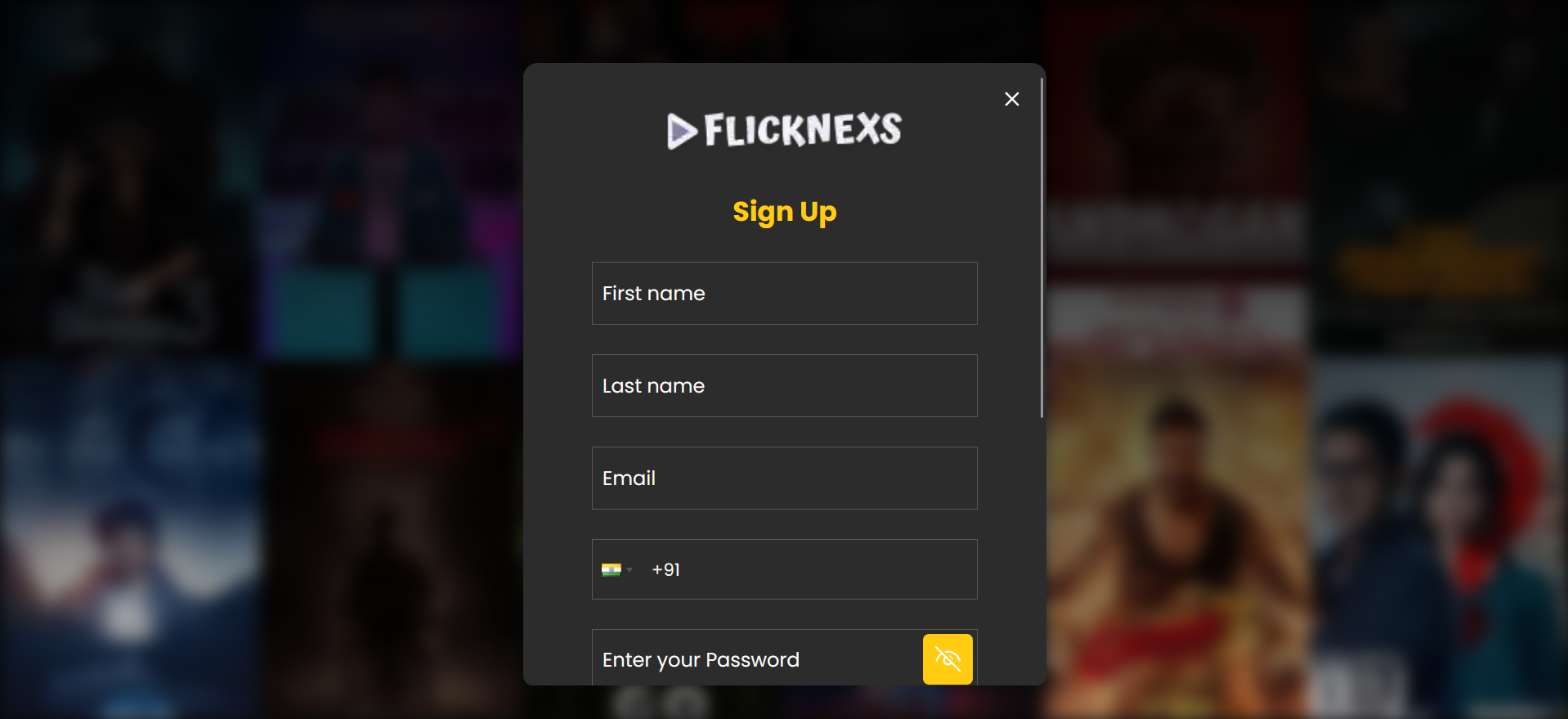
- We need to fill out the form, which includes fields for First Name, Last Name, email address, date of birth, Country, State, City, Phone Number, and password.
- Additionally, we must agree to the terms and conditions specified on the sign-up page.
- Once all the details are filled in, we can sign up for the platform.
Sign in
- To sign in to the platform, use the “Sign in” option at the top of the page, as shown in the image below.
- After selecting the sign-in option, you will be redirected to the sign-in page.
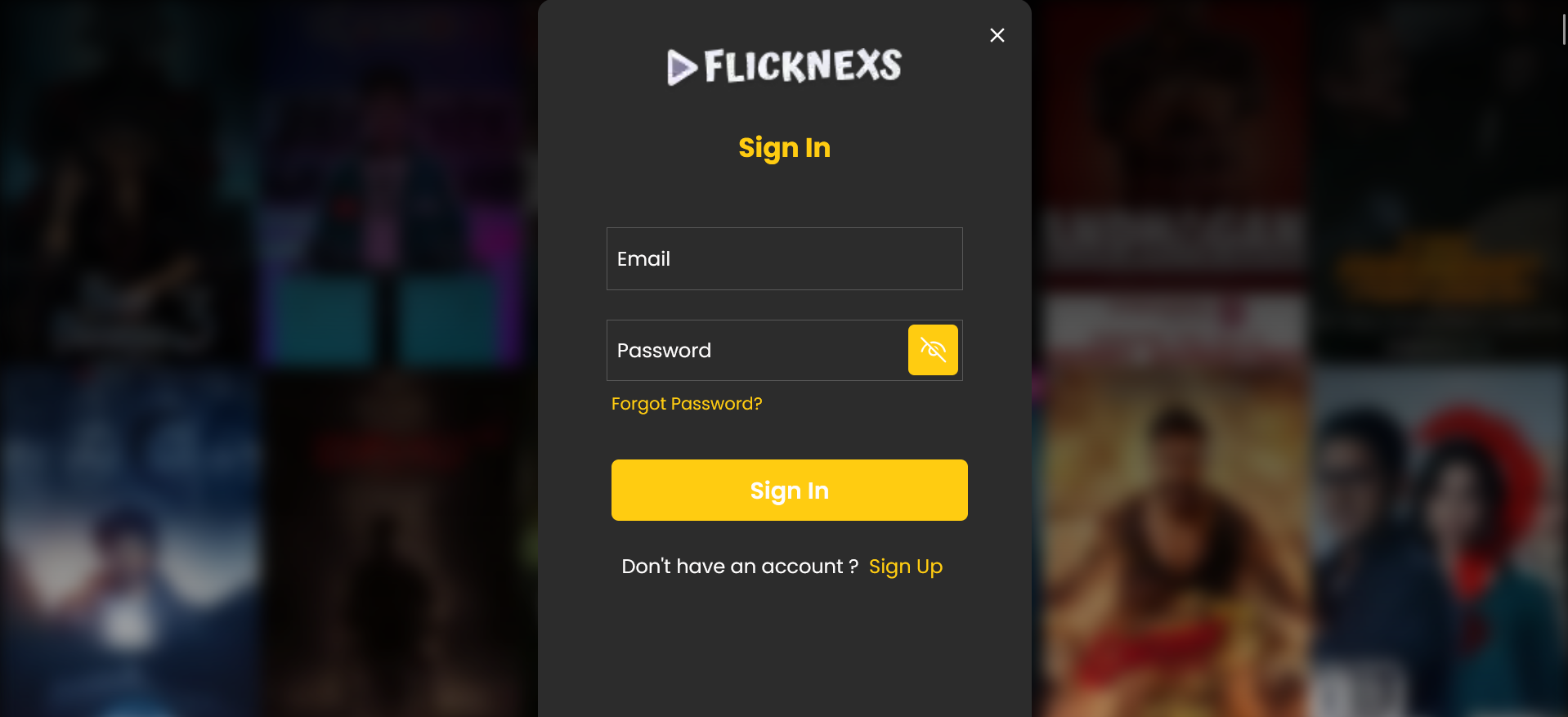
- You can sign in to the platform using your registered email address and password.
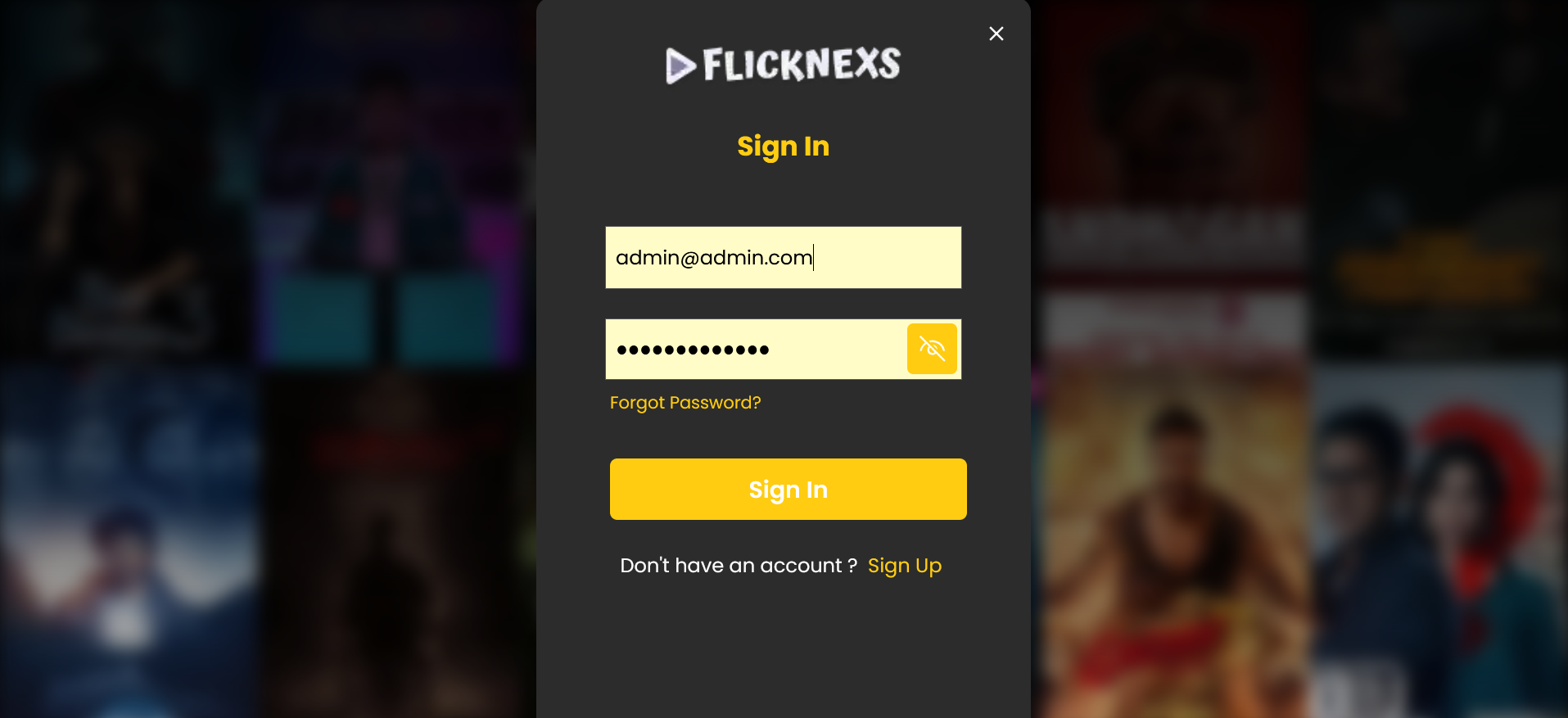
- The entered email address will be verified, and if it matches the registered email address and password, you will be redirected to the homepage.

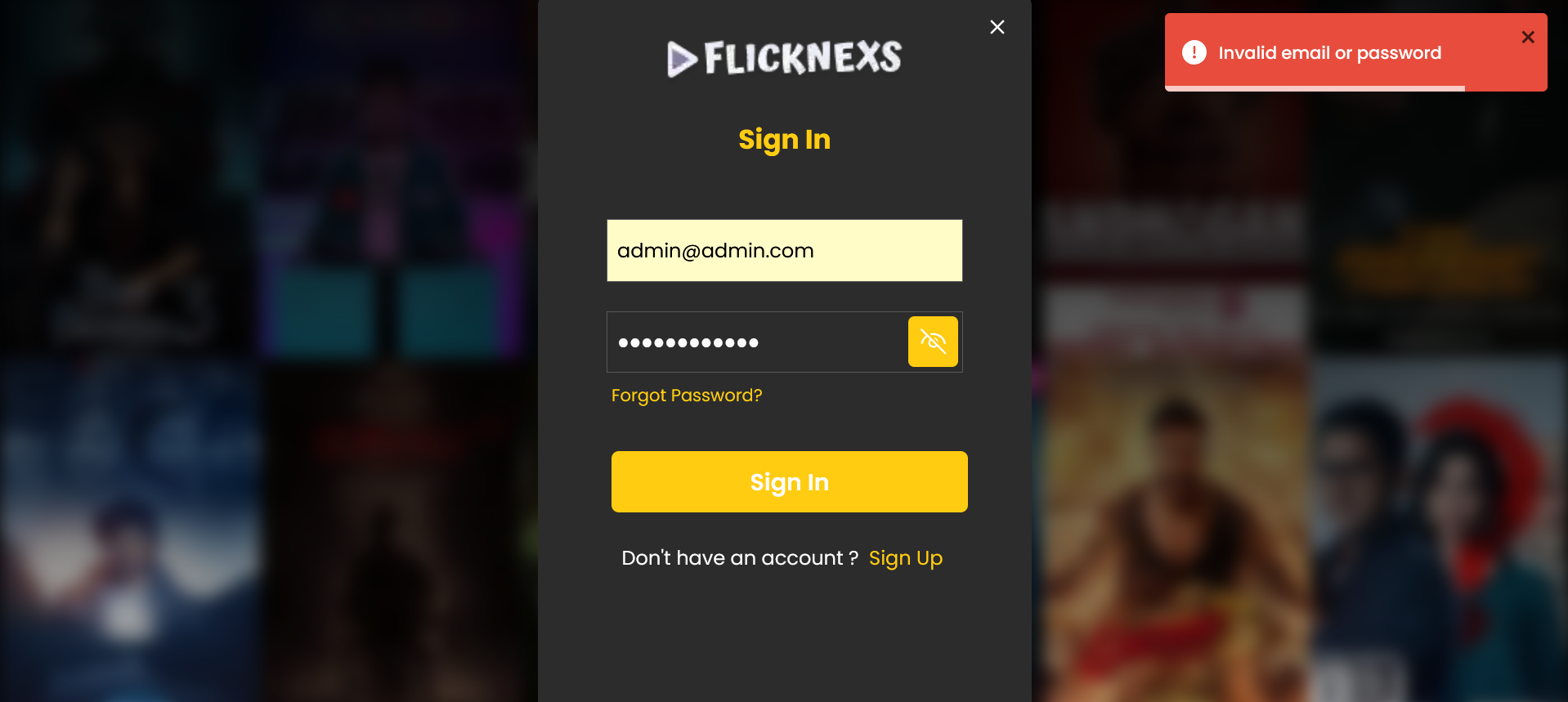
- If the entered email address or password is incorrect, you will receive the error message: “These credentials do not match our records.”
- You will not be able to log in to the platform.