
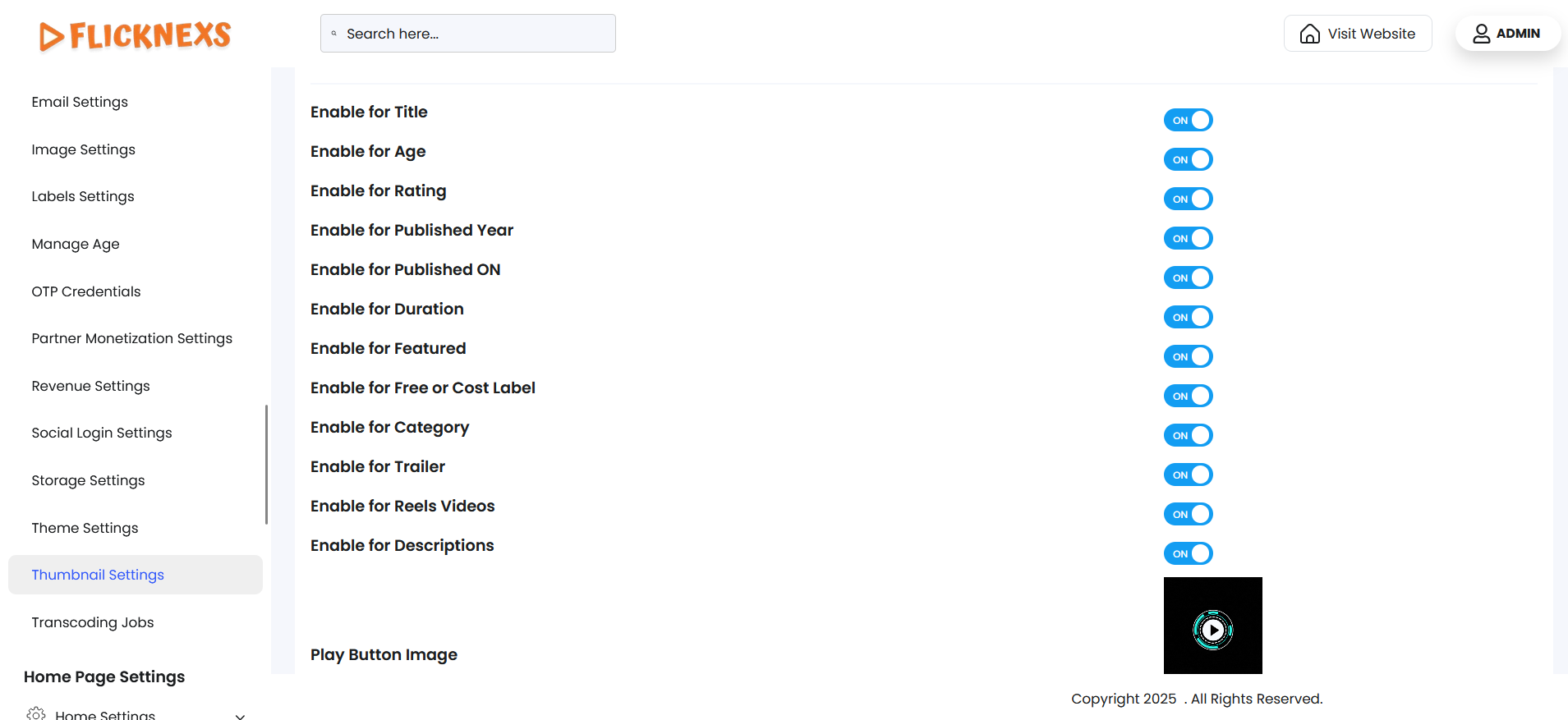
The Thumbnail Settings section provides you with full control over how video thumbnails appear across your platform, including the homepage, category listings, search results, and other content discovery areas. This feature allows you to decide which key video details are shown on the thumbnails, enabling you to tailor the viewing experience to match your platform’s branding, user engagement goals, and content strategy.
Key Customization Options
You can enable or disable various visual elements such as:
- Video Title – Show or hide the title of the video directly on the thumbnail.
- Rating – Display user ratings to highlight the popularity or quality of the content.
- Age Restriction – Inform viewers if a video is suitable for certain age groups.
- Duration – Show the total length of the video on the thumbnail.
- Category or Genre – Help users quickly identify the type of content being offered.
- Access type (Free/Subscription/PPV), etc.
- Play Button Image – The Play Button Image setting allows you to customize the visual appearance of the play button that appears over video thumbnails or player previews across your platform.
You can toggle each element based on how much information you want users to see at first glance.
This flexibility helps you control how much information users see at a glance, improving user experience and aligning the design with your platform’s branding. Adjusting these settings can also help draw more attention to specific content types or promotional videos.
Benefits
- Enhanced User Experience – Viewers can quickly assess key details such as video length, content suitability, and access requirements without having to click through, making navigation more intuitive.
- Improved Content Discovery – Enabling visible attributes like genre tags, ratings, or age restrictions helps users identify content that matches their interests or viewing preferences, boosting engagement.
- Flexible Presentation – These settings let you align your thumbnail layout with your platform’s branding and content strategy, whether you prefer a clean, minimal design or a more informative approach.
- Visual Consistency: Maintain a clean and professional look that aligns with your platform’s design guidelines.
By using Thumbnail Settings effectively, you enhance both usability and visual appeal, allowing your homepage to serve as a powerful gateway to content discovery and interaction.